How to Withdraw Money from ExpertOption

Withdrawing money from your ExpertOption account is a key part of managing your trading profits and maintaining financial control. ExpertOption is committed to providing a secure, efficient, and user-friendly withdrawal process for traders across the globe.
Whether you're withdrawing your first earnings or making regular transfers, this guide will walk you through the process step by step to ensure a smooth experience.

Which Payment Methods are available for Withdrawal on ExpertOption
We work with more than 20 payment systems. You can transfer money to your debit or credit card: Visa, MasterCard, Maestro, UnionPay. We are integrated with electronic payment methods as well: Neteller, Skrill, Perfect Money, FasaPay and others.Gold, Platinum, and Exclusive accounts have priority withdrawal.
First withdrawals have to be made to an account card or e-wallet that was used for making a deposit. In case of withdrawal, to bank card amount of withdrawal has to be equal to the deposit amount. Other funds (revenue) you can withdraw to any e-wallet (Skrill, Neteller, UnionPay, or any other method)
How can I Withdraw Money from ExpertOption
First, let’s clarify a small point. It may seem ridiculous or stupid to some, but we receive many similar questions every day. Money can be withdrawn ONLY from a real account; a demo account is, in fact, a simulation profile on which you can practice making money using the ExpertOption platform. Therefore, at the very beginning, on a demo account, a very large $10,000 is available for trading.So, you have a real account, you’ve topped up using a MasterCard bank card. Now you’ve earned a profit and want to withdraw your winnings. How can it be done?
Withdrawal has never been easier! Follow these steps:
1. Just open the ExpertOption platform and tap on the top left upper corner menu.
2. Then choose the Finances option. You’ll now see a Withdrawal option in the lower right corner of the window.
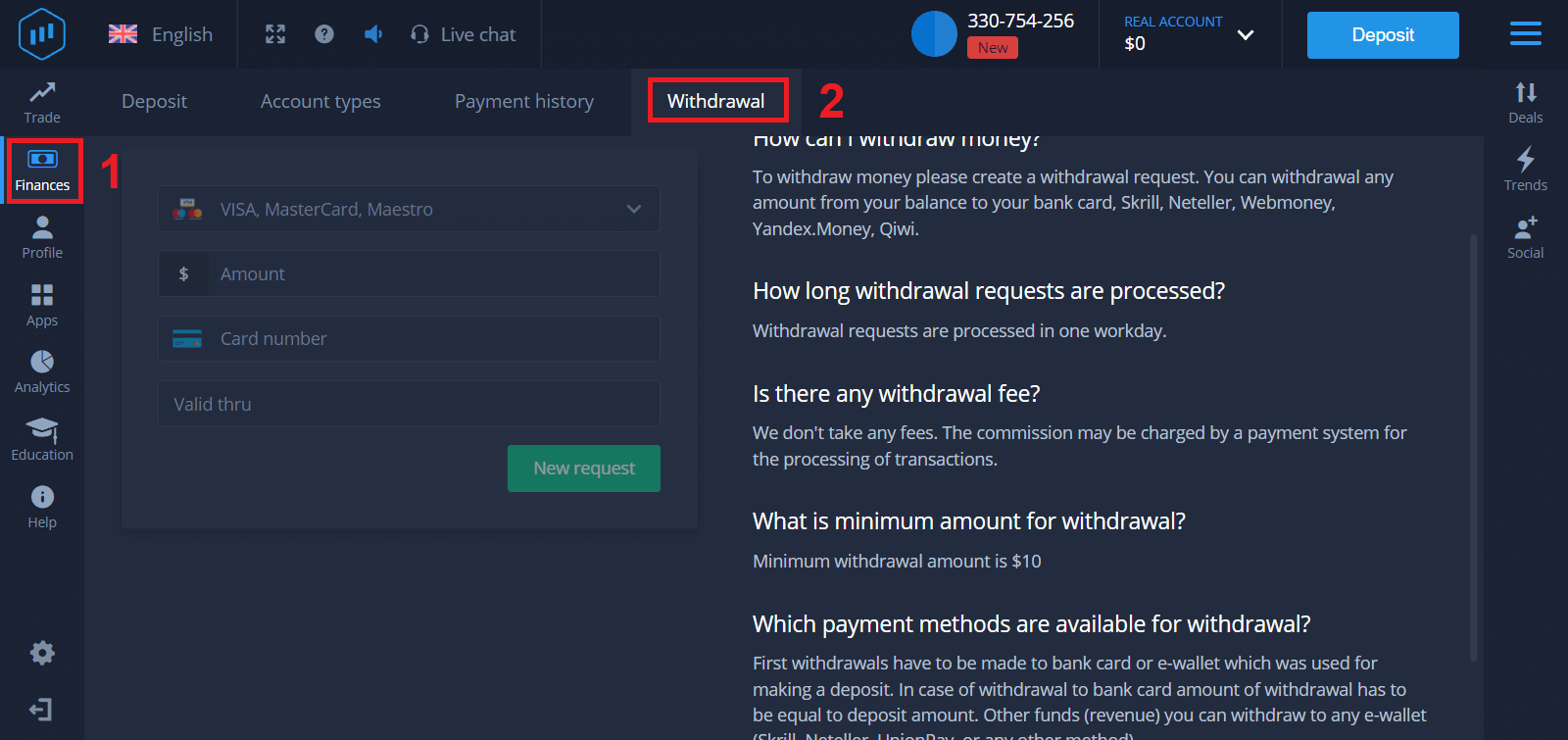
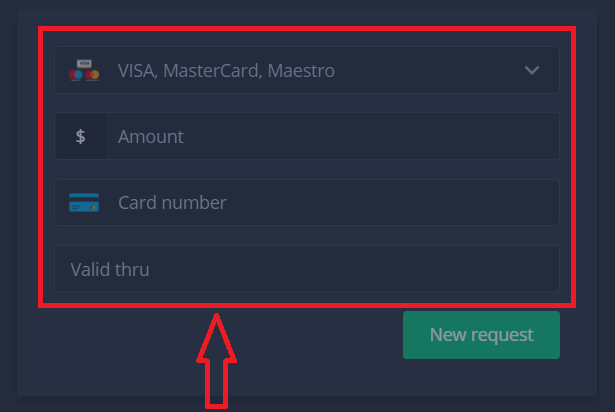
3. There, you should enter all the data of the payment method you wish to use for withdrawal
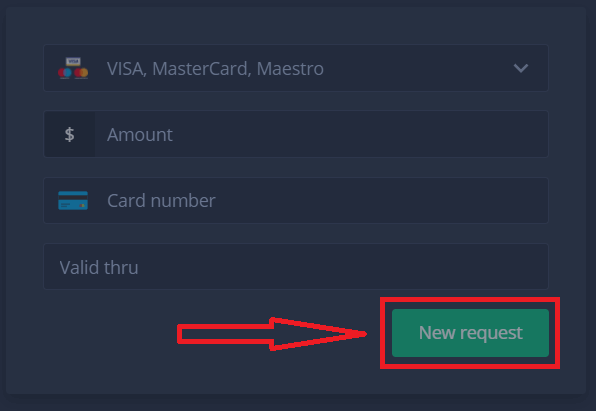
4. Once you’ve provided all the information in this field, press the “New request” button.
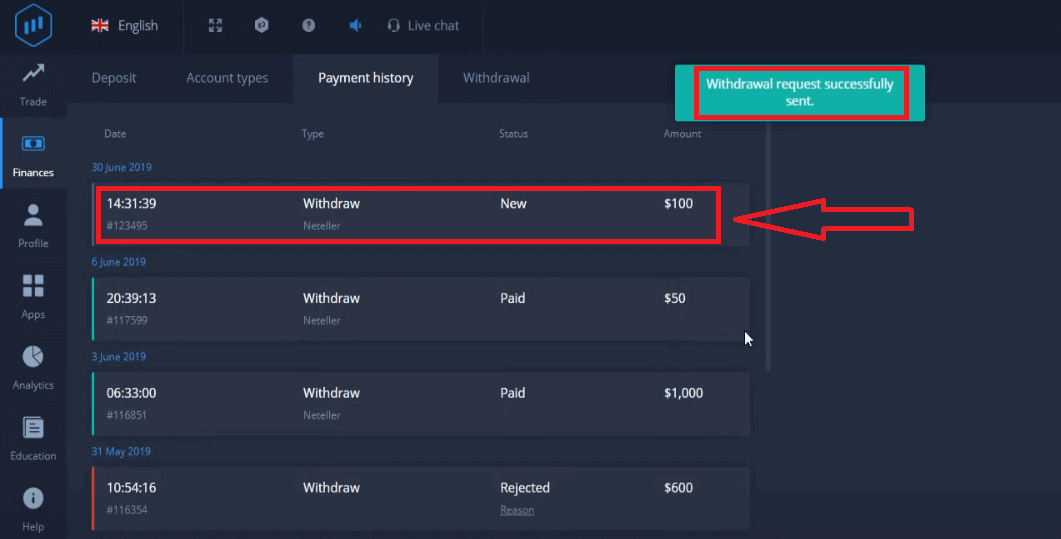
That’s it, your money is on its way to your credit card or other payment method. You will see the new request in "Payment history.y"
One more important thing!
In addition to the usual withdrawal methods - such as credit cards, there are dozens of other withdrawal ways in ExpertOption. But the first withdrawal is always available only (!) to the payment method you used for deposit.
Frequently Asked Questions (FAQ)
How long are withdrawal requests?
Withdrawal requests are processed in one workday.
Is there any withdrawal fee?
We don’t take any fees. The commission may be charged by a payment system for the processing of transactions.
What is the minimum amount for withdrawal?
Minimum withdrawal amount is $10
Conclusion: Withdrawing from ExpertOption is Easy and Reliable
ExpertOption provides a straightforward and secure withdrawal process designed to protect your funds while ensuring quick access to your earnings. By following the proper steps and meeting verification requirements, you can enjoy peace of mind knowing your withdrawals will be processed efficiently. Whether you’re trading full-time or occasionally, having easy access to your funds adds flexibility and confidence to your financial strategy.